



















TOUCHSCREEN DISPLAYS
7″ SLCD-N5 Resistive
Part Number: 51-0700-011
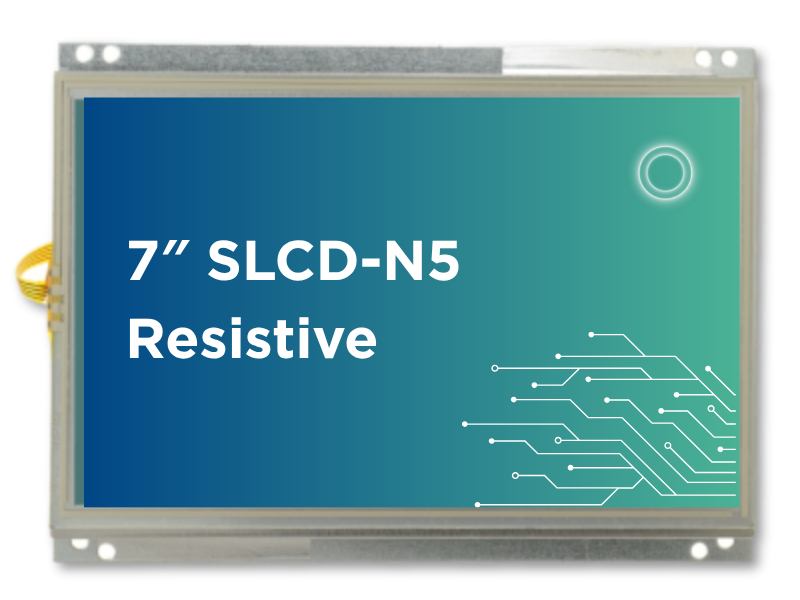


7″ SLCD-N5 Resistive
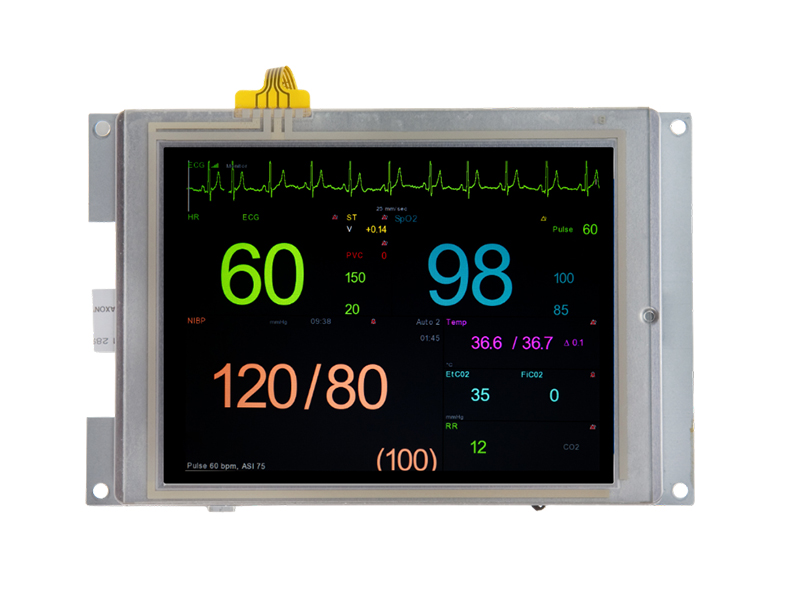
Our modules provide a fully integrated display solution, combining the LCD, controller board, backlight driver, and touchscreen into a single assembly to simplify system integration. Custom variants are available upon request to meet specific mechanical, optical, or interface requirements.
Powered by the SLCD-N5 controller:
- Resistive Touchscreen
- Two serial ports for either RS-232 or 3.3V CMOS. One port can be converted to RS-422 as a manufacturing option.
This 7″ module features:
- Units combine a multi-function processor board and an industrial 7-inch WVGA (800×480) TFT color touch LCD.
- Memory card slot for added flexibility.
- Designed for long-term availability with a 10+ year processor life and a multi-sourced, industry-standard LCD form factor.
- ESD and EMC results available to ease regulatory compliance testing.
Specifications
| Attribute | Value |
|---|---|
| Controller | |
| Controller | SLCD-N5 Controller |
| CPU | 1GHz NXP i.MX RT1176 |
| Storage Capacity | 64MB NOR Flash for firmware, GUI assets, and user data |
| I/O Interface | Two serial ports for either RS232 or 3.3V CMOS. One port can be converted to RS422 as a manufacturing option. One USB-C port. |
| Audio | Beeper or external speaker |
| LCD Display | |
| Display Type | 7” Diagonal TFT Color LCD |
| Resolution | 800 x 480 WVGA, 18-bit Color |
| Orientation | Landscape |
| Luminance (with touch) | Typical 430 (cd/m²) |
| Viewing Angles | 85/85 left/right, 85/85 up/down |
| Backlight | LED |
| Touchscreen | |
| Type | 4-Wire Analog Resistive |
| Durability | Over One Million Touches |
| Dimensions | |
| Size | 6.60″ W x 4.87″ H x .94″ D |
| Environmental/Regulatory | |
| Operating Temperature | -20 to 70° C |
| Storage Temperature | -30 to 80° C |
| Humidity | Max 90%RH at 60° C; No Condensation |
| RoHS 2 Compliant | Yes |
| Power Requirements | |
| Power Supply Voltage | 5-12V ±10% |
| Power Consumption | 5V: 1060mA Max, 12V: 510mA Max |
| Grounding | |
| Grounding | The board mounting holes connect to a digital ground. These must be connected to a chassis ground either directly or through a transient protection diode for ESD. The resistive touch circuit has ESD protection that shorts ESD on the touch panel to the board mounting holes. |
| Mounting Options | |
| Mounting Options | For 7″ modules, Reach Technology provides mounting tabs. Visit Mounting Options for more information. |
- Filter by Type
- Datasheet
- Drawing
- Software
- Spec Sheet
- STEP File
- User Manual
| Download | Download Type | Language |
|---|---|---|
| 7.0 inch SLCD-N5 Resistive 51-0700-011 Spec Sheet | Datasheet | English |
| 51-0325-111 Mechanical Specifications | Drawing | English |
| 51-0325-111 3D Mechanical View | Drawing | English |
| 51-0325-111 2D DXF Mechanical Drawing | Drawing | English |
| 51-0325-111 ELF File | Software | English |
| 51-0325-111 Release Notes | Software | English |
| BMPload | Software | English |
| 51-0325-XXX Panel Specification | Spec Sheet | English |
| 51-0325-001 3D Step-File | STEP File | English |
| SLCD5+E Reference Manual | User Manual | English |
| Fonts for Embedded Touch Screen Development | User Manual | English |
- Filter by Part Number
- 23-0144-10
- 23-0147-10
- 23-0148-12
- 23-0166-12
- 23-0167-12
- 30-0008-01
- 37-0014-01
- 37-0012-01
- 37-0011-01
- 37-0008-01
| Part Number | Description | ||
|---|---|---|---|
 |
23-0144-10 |
|
|
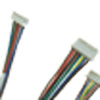 |
23-0147-10 |
|
|
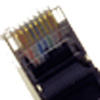 |
23-0148-12 |
|
|
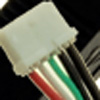 |
23-0166-12 |
Cable, Pico-Spox 5pin USB Type A Receptacle 12in Length |
|
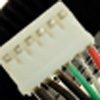 |
23-0167-12 |
|
|
 |
30-0008-01 |
|
|
 |
37-0014-01 |
|
|
 |
37-0012-01 |
|
|
 |
37-0011-01 |
|
|
 |
37-0008-01 |
|